Understand the real demand
See the repeated requests, exceptions and customer wording behind the queue.
Ask one of eight support questions. Auditrak reads the Zendesk conversations in your scope and returns a decision-ready report: the evidence, the recommended actions, and the limits stated honestly.
Teams want to improve self-service, routing and automation in Zendesk. But the first question stays the same: where do we start?
Automation targets are easy to announce. The hard part is knowing what customers actually ask, where support work repeats, and what is safe to standardize. And with every platform now selling AI add-ons, a second question follows: which of them would actually pay off on your queue?
Auditrak reads the Zendesk conversations in scope, reduces unnecessary PII and sensitive detail, groups what actually repeats, then prepares an Advisor report your team can use to plan the next Zendesk change.
Self-service, routing and automation only help when the team knows what repeats, which answers already exist, how Zendesk should handle the work and which cases still need a human.
See the repeated requests, exceptions and customer wording behind the queue.
Find the help articles, procedures and guided replies missing before more automation is added.
See which fields, queues, rules and escalations need to be clear before the workflow can run.
See what is still unclear, where PII needs care or what should stay with the team.
Each question points the diagnostic at a real support decision: self-service, automation, routing, intake, procedures, wasted time or customer sentiment.

Find the recurring ticket families that quietly consume the queue week after week.

Spot repeated questions, missing help content and the examples worth reviewing first.

Separate repeatable requests from cases that still need a person.

Turn observed friction into procedure candidates, reply guidance and enablement material.

Find missing fields, unclear choices and clarification loops that slow resolution.

Map slow paths, drag zones and operational work your team can actually fix.

Read routing, ownership and closure patterns without turning them into fake certainty.

Connect rated conversations to recurring ticket patterns when the evidence is strong enough.
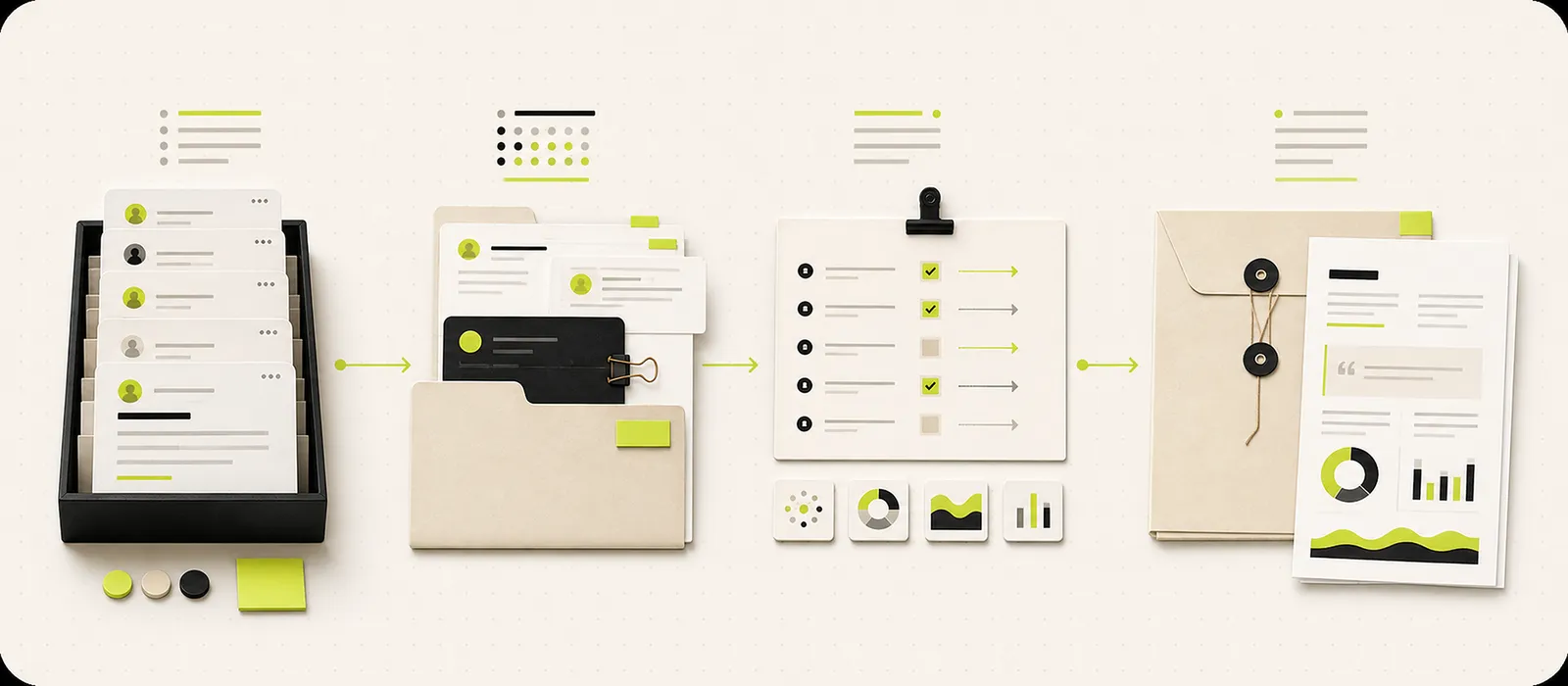
Every diagnostic starts from a business question, reads the conversations in scope, then gives the team a working base for the Zendesk changes that follow.
Auditrak uses the Zendesk app connection, with no shared password and no copy-pasting conversations into another tool.
Choose the date range, filters and support question you want the queue to answer.
Auditrak groups recurring demand, highlights friction and keeps useful examples close to each finding.
Advisor becomes the working brief for deciding what to document, route, fix or automate next.
Auditrak gives the team reviewable material for deciding what to document, route, fix or prepare before the next Zendesk change.
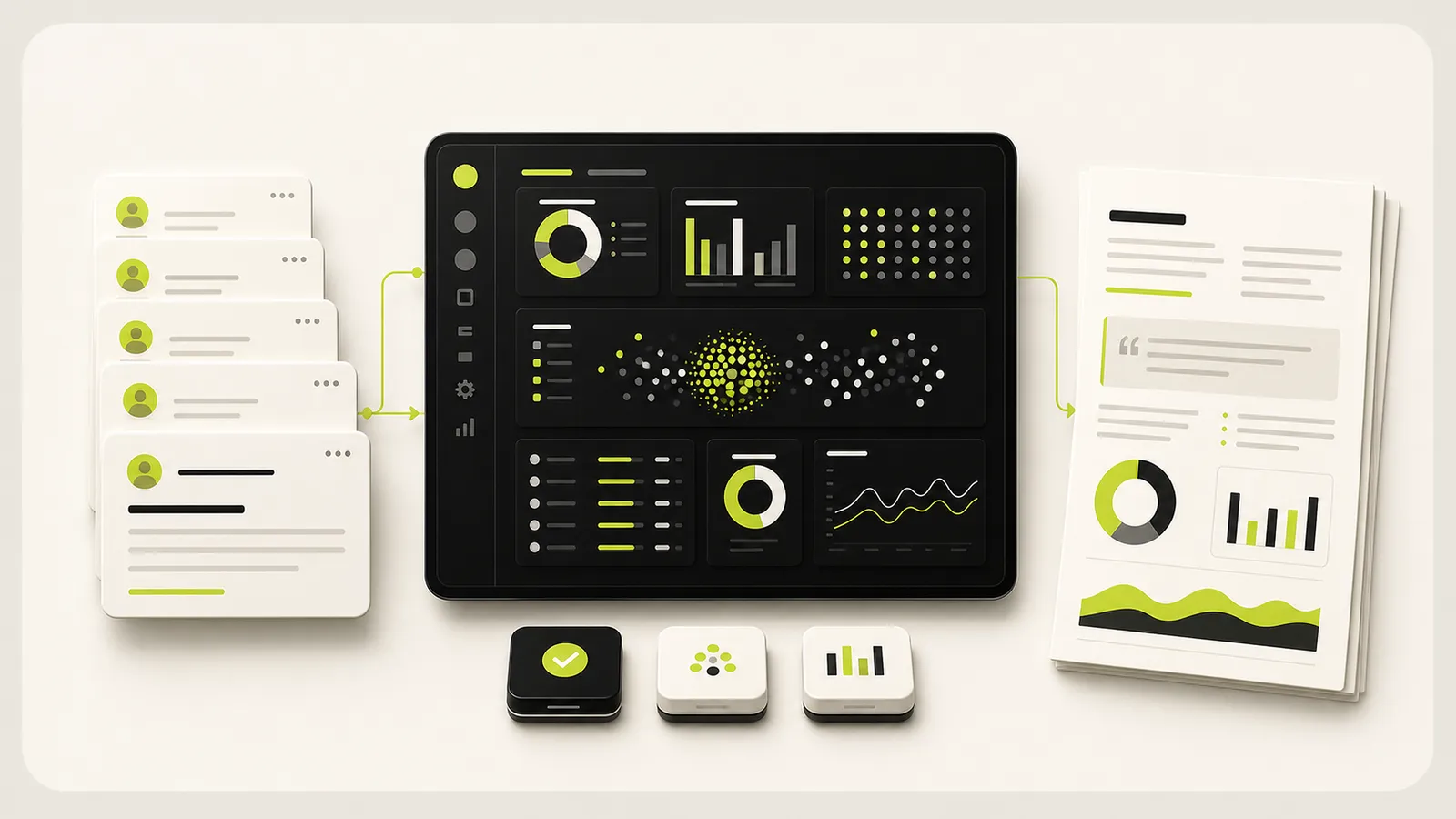
Advisor turns the diagnostic into a board-ready decision report: executive read, demand map, recommended actions and a validation plan. The limits are stated, not hidden. You get an in-app preview plus a PDF your director actually reads.
What keeps coming back, why it matters and what the team should review first.
Conversation families, largest patterns, customer friction and examples worth reviewing.
What to document, route, fix or prepare for automation.
Useful examples, with PII and sensitive detail reduced where the report does not need it.
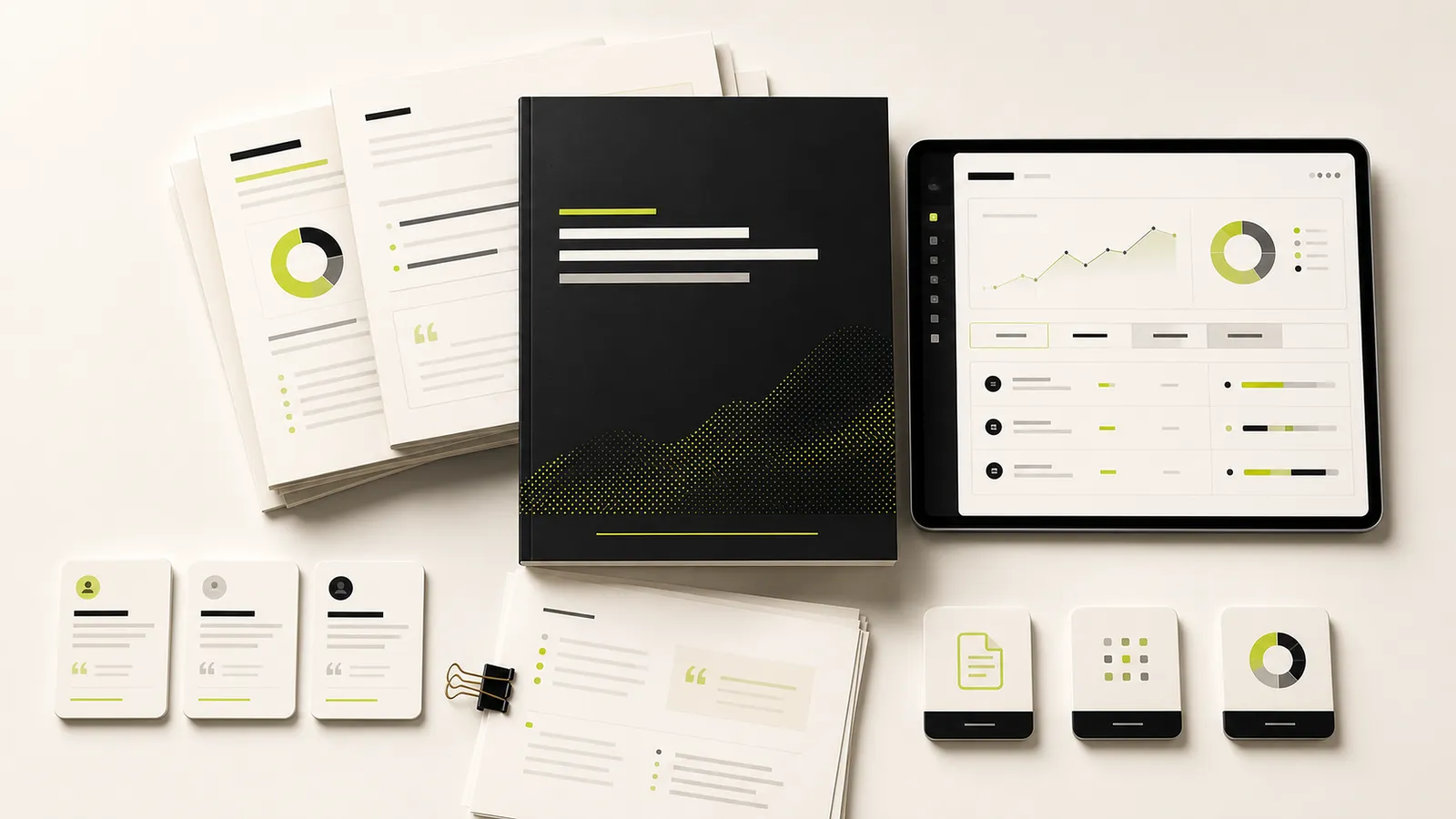
Auditrak uses approved Zendesk access, analyzes the conversations in scope and reduces PII or sensitive details where the report does not need them. And it stays independent: Auditrak sells analysis, not automation. That gives you a second opinion before you change Zendesk or buy more AI.
The connection is a read-only OAuth authorization approved by your Zendesk administrator. Auditrak never changes your Zendesk configuration and never sends replies.
Auditrak reduces unnecessary PII and sensitive detail in the material it analyzes, keeping reports focused on patterns and useful examples.
Every claim is anchored to real conversations in scope. Coverage floors block conclusions built on thin evidence, and each report states its limits and confidence plainly.
Connect Zendesk, choose the business question and get a first read your team can use before building self-service, automation or process changes. Auditrak is launching on the Zendesk Marketplace soon. Get notified and you will hear the moment it is live.
Get Marketplace updates